Calendar automation services for the meetings that take five emails to arrange
Our calendar automation services help teams coordinate internal meetings across people, availability rules and time zones. We connect calendars and handle scheduling exceptions without relying on repeated email exchanges.
AI calendar automation coordinates internal scheduling without manual back-and-forth: finding times across multiple people’s calendars, respecting preferences and constraints, protecting focus time, handling rescheduling, and preparing participants with relevant context ahead of the meeting.
Scheduling as a distributed part-time job
Arranging a meeting between four people takes several rounds of email, and somebody has to hold the state of who has responded and what still works. Multiply that across a week and the cost becomes real.
The second cost is fragmentation. Calendars fill with meetings scheduled into whatever gaps existed, leaving the day chopped into fragments too short for concentrated work.
Coordinate automatically, protect deliberately
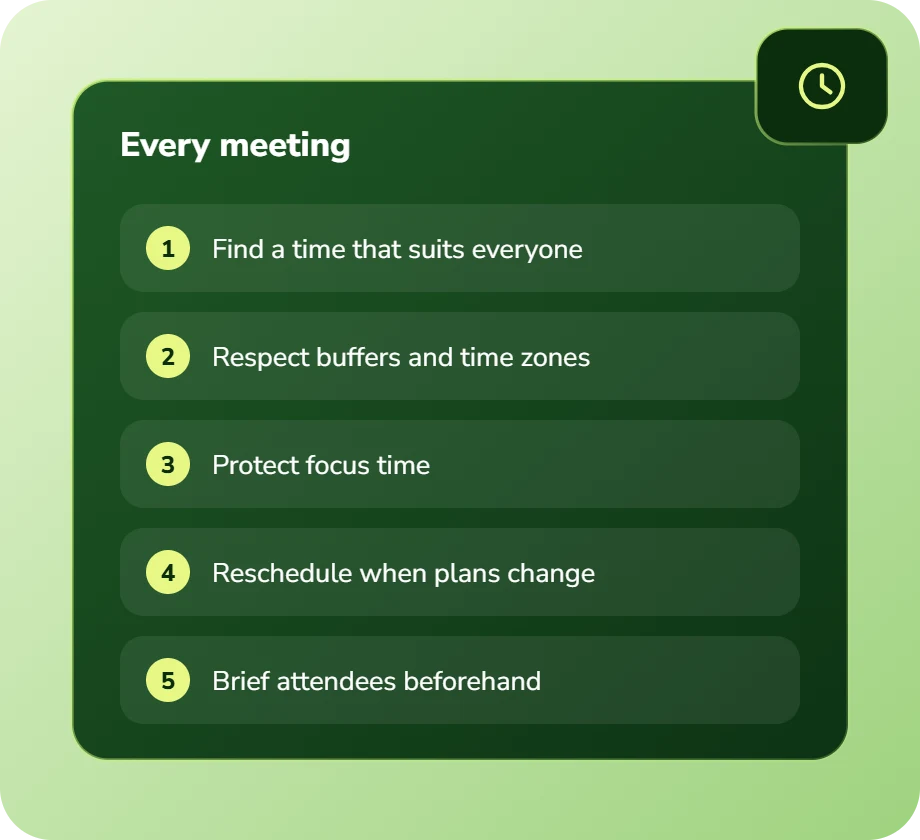
Multi-party coordination is handled without email: constraints checked, preferences respected, a time proposed and confirmed, with rescheduling handled the same way.
And scheduling is done deliberately rather than into whatever gap exists, so protected blocks for concentrated work survive rather than being consumed by whoever books first.
Calendar automation services: scope and deliverables
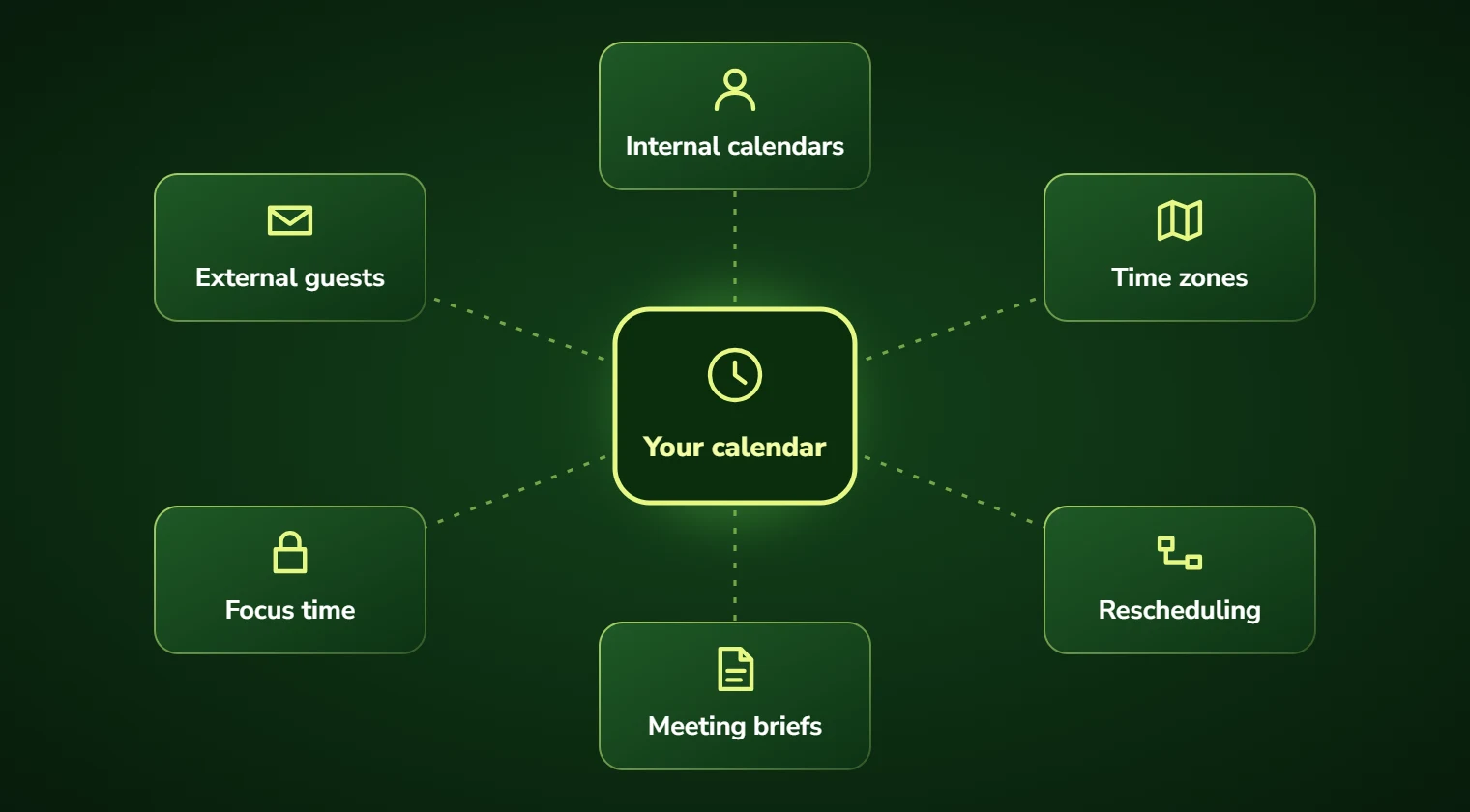
Multi-party coordination is the obvious one: finding a time across several calendars, including external participants, without a round of emails.
Constraint handling matters more than it appears: travel time between locations, preparation buffers, no-meeting blocks, time zone fairness across distributed teams, and preferences that people otherwise have to explain repeatedly.
Focus time protection is the underrated one. Scheduling deliberately rather than opportunistically preserves the concentrated blocks that fragmented calendars destroy.
And meeting preparation: briefings assembled from relevant systems so participants arrive informed.
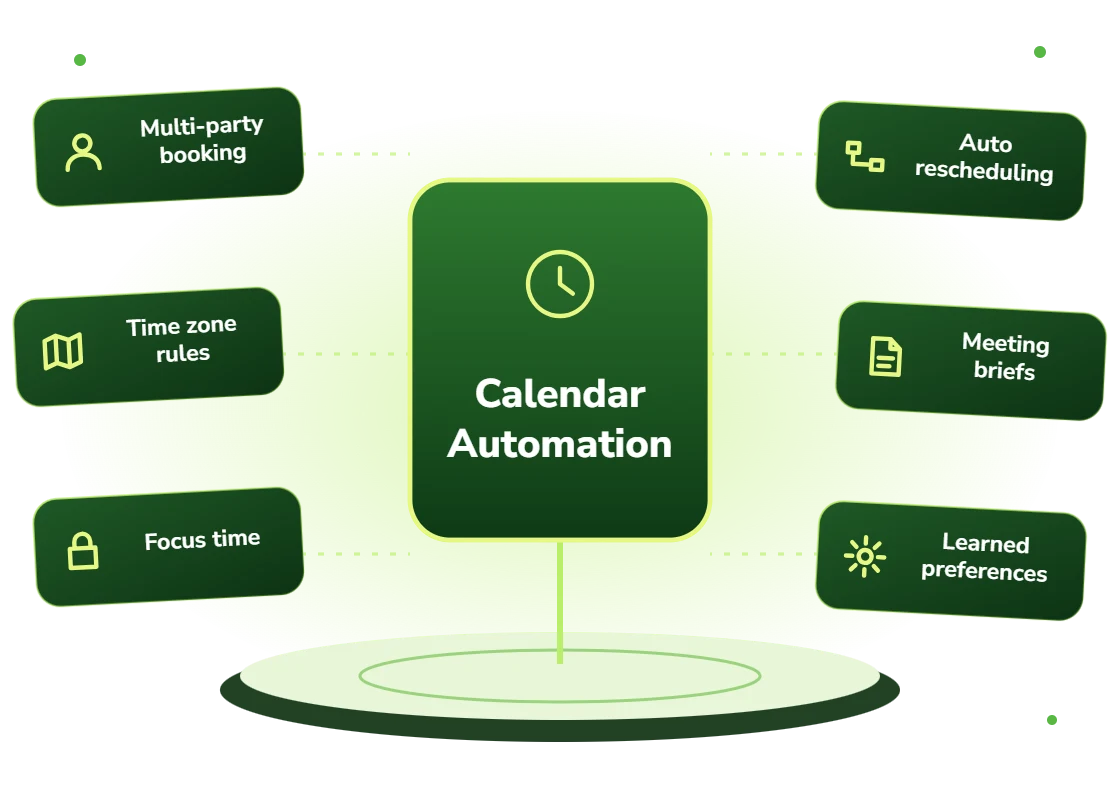
- Multi-party coordination across internal and external calendars
- Constraint handling: travel time, buffers, no-meeting blocks, time zones
- Focus time protection so deep work blocks survive the week
- Rescheduling handled automatically when conflicts arise
- Meeting preparation briefings assembled from relevant systems
- Preference learning so individual working patterns are respected
Who benefits
Teams that coordinate frequently across several people, particularly professional services firms where the people being coordinated bill by the hour.
And distributed teams across time zones, where fair scheduling is genuinely difficult to do manually and tends to default to whoever is least accommodating.
- Teams frequently coordinating multi-party internal meetings
- Professional services firms where coordinated time is billable
- Distributed teams spanning several time zones
- Organizations where calendars are fragmented and focus time is scarce
- Client-facing teams scheduling with external participants regularly
- Executives without dedicated assistant support
Benefits of calendar automation
No coordination email
Multi-party times found and confirmed without anyone holding the state of who has replied.
Focus time that survives
Deliberate scheduling protects concentrated blocks rather than filling whatever gap exists.
Constraints respected automatically
Travel time, buffers and no-meeting blocks handled without anyone explaining them again.
Fair across time zones
Distributed teams scheduled fairly rather than defaulting to whoever accommodates most.
Prepared participants
Briefings assembled ahead of the meeting so time is not spent on context.
Reschedules handled
Conflicts resolved automatically rather than triggering another round of coordination.
Business challenges this solves
Five emails per meeting
Coordination consuming hours weekly across a team. Automated multi-party scheduling removes it.
Calendars fragmented
Days chopped into unusable gaps. Deliberate scheduling preserves focus blocks.
Constraints explained repeatedly
Travel time and preferences re-stated each time. Learned once and applied.
Time zone unfairness
The same people always taking early or late calls. Fair rotation applied automatically.
Rescheduling cascades
One conflict triggering another coordination round. Handled automatically.
Meetings starting with context
The first ten minutes spent recapping. Briefings sent ahead.
Features and deliverables
Everything below is in scope on a standard engagement. Nothing here is an upsell discovered halfway through the build.
Multi-party coordination
Availability found across internal and external calendars with constraints and preferences applied.
Constraint engine
Travel time between locations, preparation buffers, no-meeting blocks and working hours respected automatically.
Focus time protection
Deep work blocks defended, with scheduling directed into meeting-appropriate windows instead.
Time zone fairness
Rotation so the burden of inconvenient times is distributed rather than always falling on the same people.
Automatic rescheduling
Conflicts detected and resolved with participants notified, without triggering another coordination round.
Preference learning
Individual working patterns learned and applied rather than requiring repeated explanation.
Meeting briefings
Preparation material assembled from CRM, prior meetings and relevant documents ahead of the meeting.
Calendar integration
Native integration with Google Workspace and Microsoft 365 rather than a separate scheduling tool.
Technologies we use for calendar automation
We are not tied to one vendor. Model and infrastructure choices are made on accuracy, cost per task, latency, and where your data is allowed to live.
Our AI development process
The same five stages on every engagement, so you always know what happens next and what you get at the end of it.
Discovery
We interview the people doing the work, map the workflow end to end, and audit the systems and data behind it.
AI Strategy
Every opportunity gets scored on cost to build, time to value, and annual savings, then ranked.
Pilot Build
We ship the top-ranked automation as a fixed-scope pilot so you see real output before committing further budget.
Implementation
Integration with your live systems, staff training, human-in-the-loop review gates, and a documented rollback path.
Optimization
Monthly accuracy reviews, prompt and retrieval tuning, and a written report on hours and dollars saved.
How long it takes
A typical first engagement, week by week. Complex integrations and regulated environments extend this, and we say so during discovery rather than after.
Discovery and scoping
Process observation, systems audit, data review, and a written estimate of cost and expected saving before anything is built.
Design sign-off
Architecture, data handling rules, review thresholds and success measures agreed in writing.
Build and integration
Development against your real data, connected to your live systems, with weekly demos rather than a single reveal.
Parallel run and testing
The system runs alongside the existing process so accuracy can be compared directly before anyone depends on it.
Launch and handover
Cutover with a rollback path, staff training, full documentation, then 30 days of included tuning.
Industries we deliver calendar automation for
Professional Services
Proposal drafting, timesheet capture, research synthesis, and client reporting at scale.
SaaS & Technology
AI features inside your product, support deflection, onboarding assistants, and usage analytics.
Financial Services
Document extraction, reconciliation, KYC support, and audit-ready reporting with full traceability.
Legal
Contract review, discovery triage, and matter intake with citation-checked outputs and attorney sign-off gates.
Healthcare
Intake, prior authorization, clinical documentation, and revenue-cycle workflows built to respect HIPAA boundaries.
Construction
Bid takeoffs, submittal review, RFI drafting, and field-report summarization.
Education
Enrollment support, content generation, tutoring assistants, and administrative automation.
Insurance
First-notice-of-loss intake, claims triage, policy Q&A, and fraud signal detection.
Real-world use cases
Internal meeting coordination
Multi-party meetings arranged without the email round trip.
Client meeting scheduling
External participants coordinated with internal availability and preparation time.
Focus time protection
Concentrated work blocks defended across a team rather than consumed opportunistically.
Distributed team scheduling
Fair time zone rotation across teams spanning several regions.
Interview coordination
Multi-panel interview scheduling across many participants and candidate availability.
Executive calendar management
Calendar defence and coordination for leaders without dedicated assistant support.
Why choose DevSolutionsAI for calendar automation
Business case before build
Every recommendation carries an estimated cost, timeline, and annual savings figure. If the math does not work, we say so before you spend.
Vendor-neutral by design
We resell nothing and take no platform commissions. Model and infrastructure choices are made on fit, cost, and your data-residency rules.
Fixed-scope pilots
The first engagement is a defined deliverable at a defined price, not an open-ended retainer that quietly grows each quarter.
Built for handover
You own the code, the prompts, the infrastructure, and the documentation. No lock-in to a proprietary wrapper you cannot leave.
Human-in-the-loop where it counts
Anything customer-facing, clinical, financial, or legal gets a review gate, a confidence threshold, and a logged audit trail.
Security reviewed early
Data flow diagrams, retention rules, and access boundaries are agreed in week one, not retrofitted after your security team objects.
Find out what calendar automation would cost you, before you commit to anything
Every engagement is quoted after a short discovery, so you get a fixed written price built around your actual volumes rather than a rate card that assumes someone else’s business.
The first call is thirty minutes and free. Bring one workflow. We will tell you what it is likely costing you each year, roughly what automating it would take, and whether we think it is worth doing at all.
- A written savings estimate before any paid work
- Fixed scope and fixed price, agreed up front
- Full ownership of everything we build for you
- An honest recommendation when the numbers do not work
Figures are internal measurements across recent engagements, reported to every client monthly in writing.
Illustrative project scenario
Recovering coordination time nobody had counted
Challenge. A consulting firm suspected internal scheduling was costing meaningful time but had never measured it. A two-week study found consultants averaged just over three hours weekly on scheduling coordination, finding times, chasing responses, and rescheduling when conflicts arose. For a billing firm, that was material.
What we built. Multi-party coordination automated across internal and client calendars with travel time and preparation buffers respected. Focus blocks protected per consultant. Rescheduling handled automatically with participants notified. Meeting briefings assembled from the CRM ahead of client meetings.
Outcome. Coordination time fell substantially, with the firm estimating a meaningful share converted to billable work. Consultants reported protected focus blocks surviving the week, which had not been the case previously. The measurement itself was the part leadership found most useful.
Illustrative project scenario. The figures demonstrate how a project could be scoped and evaluated; they are not verified client results or an audited average.
What clients say about working with us
Calendar Automation FAQs
Is internal scheduling really worth automating?
It depends entirely on how much of it you do, and most organizations have never measured it. On a recent consulting engagement, a two-week study found consultants averaging just over three hours weekly on coordination. For a firm billing by the hour that was clearly material. For a team that schedules occasionally, it would not be, and we would say so.
How is this different from Calendly or similar tools?
Booking link tools are excellent for one-to-one external scheduling and considerably cheaper. They handle multi-party internal coordination poorly, do not protect focus time, and do not handle rescheduling cascades. Calendar automation earns its cost specifically where frequent multi-party coordination is the hidden time sink.
What is focus time protection?
Deliberately reserving and defending blocks for concentrated work rather than letting meetings fill whatever gaps exist. Calendars fragment naturally because each meeting is scheduled into an available slot without regard for what it does to the shape of the day. Protecting blocks and directing scheduling elsewhere preserves the concentrated time that fragmentation destroys.
Does it work with Google Calendar and Outlook?
Yes, natively with both Google Workspace and Microsoft 365. It operates within the calendar people already use rather than requiring a separate scheduling tool, which matters for adoption, a scheduling tool people have to remember to open gets used considerably less.
Will it schedule things without asking me?
Within rules you set. Most users start with proposal-and-confirm and widen autonomy as they get comfortable. Internal meetings within protected constraints can be booked directly if you enable it; anything involving external participants or falling outside your rules is proposed rather than booked. Autonomy is per-user rather than imposed.
What does calendar automation cost?
Multi-party coordination with constraint handling runs $14,000 to $25,000. Adding focus time protection, time zone fairness and briefing generation typically brings it to $28,000 to $50,000. Running cost is usually $10 to $30 per user monthly. Whether it pays back depends on how much coordination you actually do, which we measure before recommending.
Services that pair well with this one
Most clients combine two or three of these. We will tell you the right sequence during discovery.
Ready to scope your calendar automation project?
Book a free 30-minute consultation. Bring one workflow and leave with a realistic estimate of what it would cost to automate and what it would save.