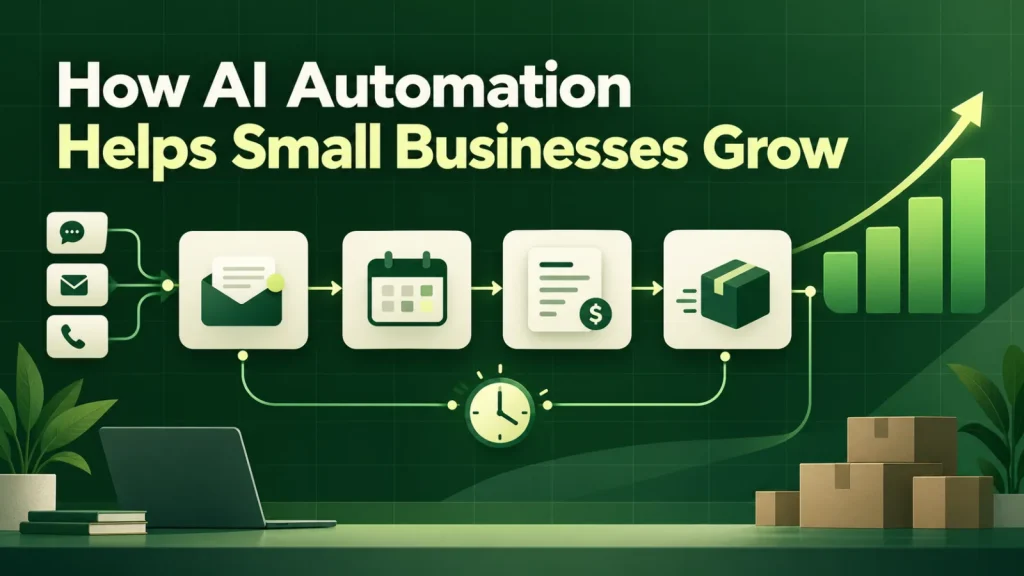
AI automation for small businesses can reduce repetitive administrative work when the workflow is suitable. This guide explains how to choose a focused use case, account for costs and measure whether it helps. It also walks through a worked example, the pitfalls we see most often and a short checklist you can use before you talk to any vendor.
The real constraint is attention, not technology
A twenty-person company does not lose to a two-hundred-person company because it lacks software. Instead, it loses because the same handful of people carry sales, delivery, billing and hiring at once. The administrative overhead of running the business eats the hours that should go into growing it.
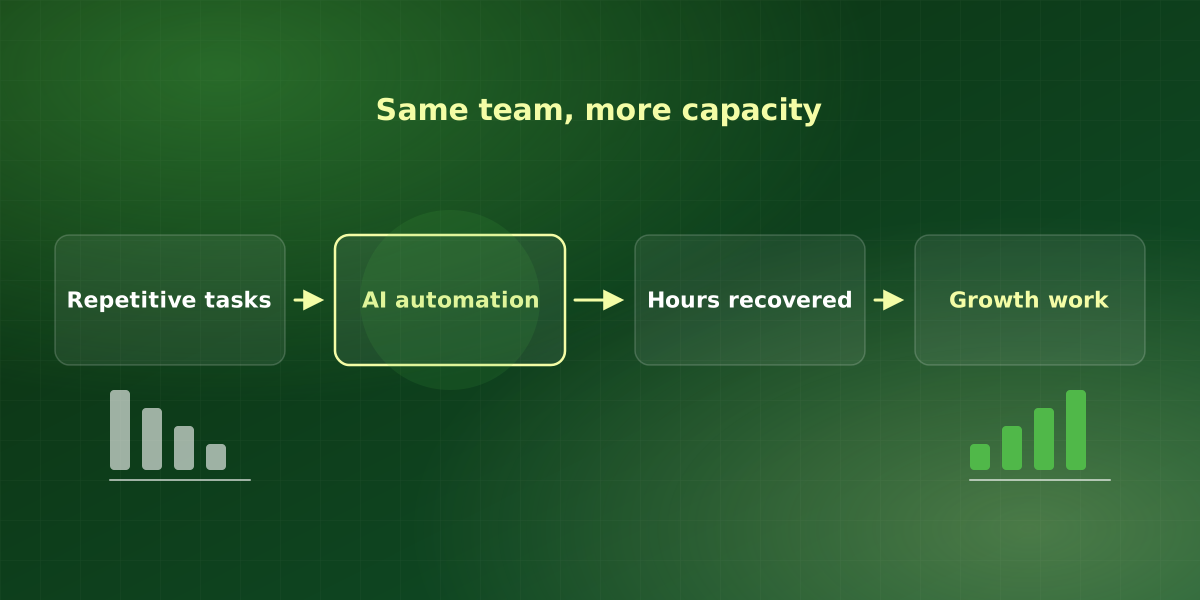
That is the actual problem AI automation solves for small businesses. Not intelligence, capacity. When a workflow that used to consume six hours a week runs on its own, those six hours do not disappear into the ether. Instead, they go back to the person who was doing it, who is almost always the person you most want working on something else.
It follows that the value of any automation is capped by what the freed-up person does next. For example, automating a task performed by someone with nothing else urgent to do produces a tidy demo and no measurable return. This is the single most common reason AI pilots fail to convert into budget.
Where AI automation finds hours in small businesses
Across the engagements we run, the same categories dominate. Before buying anything, look for your version of these:
- Re-typing. Data that exists in one system and is manually keyed into another. Quotes into the CRM, invoices into accounting, form submissions into a spreadsheet.
- Triage. Somebody reads an inbound message and decides where it goes. Support tickets, job applications, inbound leads, supplier emails.
- Chasing. Following up on things that have not happened yet. Unsigned documents, unpaid invoices, unreturned calls, missing timesheets.
- Assembling. Pulling information from several places into one document. Proposals, reports, onboarding packs, monthly summaries.
- Answering the same question. Internal or external, the answer exists somewhere, but finding it takes longer than writing it again.
None of these need a large language model to be worth fixing. In fact, some are better solved with an integration or a form. The point of an audit is to tell the difference before you spend anything.
What the numbers usually look like
Averages across our completed small business engagements. Treat them as a range to sanity-check a proposal against, not a promise.
The payback period is the number that matters, and it is also the fairest way to judge AI automation for small businesses. If a proposal cannot tell you roughly when the project pays for itself, nobody has scoped it properly, so treat the estimate with suspicion.
A worked example of AI automation for small businesses
Here is a hypothetical example to show the arithmetic. Say an office manager and two coordinators each spend four hours a week re-typing job requests from email into a scheduling tool. That is twelve hours a week, or roughly 600 hours a year once you allow for holidays.
Next, put a cost on those hours. Use your own payroll figures, or sanity-check them against the BLS Occupational Employment and Wage Statistics for similar roles in your area. Then add the cost of the mistakes: a job booked on the wrong day, a request that sat unread over a weekend.
Finally, compare that annual figure with the build price plus a year of running costs. If the saving covers both within a few months, the project is worth scoping. If it only covers them after three years, a better form or a shared inbox rule will probably serve you better. Overall, that comparison is the whole case for AI automation in most small businesses, and it fits on one page.
A sequence that works
The order matters more than the tooling. Teams that follow this rarely end up with software nobody uses.
-
Count the cost before you shop
Pick the three workflows that annoy you most. For each, write down how many people touch it, how many hours a week it takes, and what a mistake costs. If you cannot fill that in, you are not ready to automate it, you are ready to map it.
-
Automate one thing end to end
A single workflow that runs without human help beats five half-automations that each still need a person to finish the job. Partial automation often adds work, because now somebody has to check the machine as well as do the task.
-
Put a human in the loop where it is expensive to be wrong
Approval gates are not a failure of automation, they are what makes it deployable. Draft the client email automatically, let a person send it. The time saving is in the drafting.
-
Measure the same number you started with
Go back to the hours-per-week figure from step one and measure it again after four weeks. This is the only evidence that survives a change of management.
-
Then do the next one
Compounding matters here. Four workflows automated properly over a year beats a platform-wide program that never finishes.
Pitfalls that stall AI automation in small businesses
Most stalled projects we inherit share a few causes. None of them is about the model, so you can check for them before you sign anything.
- No named owner. If nobody inside the business owns the workflow, nobody notices when it drifts. Therefore, pick one person who reviews the exceptions each week.
- Too many tools at once. It is easy to buy three AI subscriptions in a quarter and connect none of them properly. Instead, one integrated workflow is worth more than several disconnected ones.
- No exception path. Every automation meets inputs it cannot handle. It should hand those to a person with the reason attached, rather than guessing or failing silently.
- Skipping the risk conversation. Decide what the system may do on its own and what needs approval. A framework such as the NIST AI Risk Management Framework gives that conversation a useful structure, even for a small team.
What growth actually looks like here
For small businesses, growth from AI automation rarely arrives as a new revenue line. Instead, it arrives as the same team handling more volume without breaking. That shows up first as things that stop going wrong: quotes that go out same-day, invoices that do not age past sixty days, leads that get a reply before they call a competitor.
For most of the businesses we work with, the first year of returns is roughly two-thirds recovered capacity and one-third avoided cost. The recovered capacity is the part that compounds, because it is the only input you can reinvest. In short, AI automation helps small businesses grow by giving their best people their time back.
A quick readiness checklist
Before small businesses request a quote for AI automation, they should be able to say yes to most of these:
- Volume. The task happens every week, not once a quarter.
- Baseline. You know roughly how many hours it takes today.
- Owner. One person will review exceptions and results.
- Access. The systems involved can export or accept data.
- Next use of time. You know what the freed-up hours will go towards.
If two or more answers are no, start with a short mapping exercise instead of a build. Our workflow automation work usually begins exactly there.
Frequently asked questions
How small is too small for AI automation?
Do we need clean data before we start?
What happens when the AI gets something wrong?
How long before we see a return?
Do we need technical staff to run it?
For implementation support, explore our AI automation services or discuss your workflow in a free consultation.