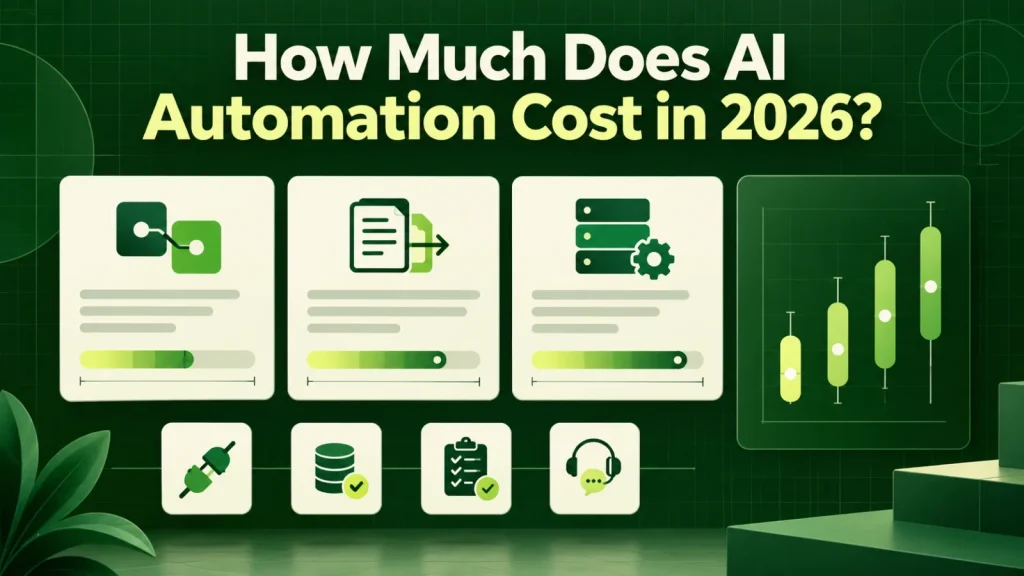
AI automation cost depends on the workflow, integration requirements, data preparation and ongoing support. Use the examples below to compare scope and budget assumptions, then obtain a current written quote for your project. We also show a worked budget for one workflow and the questions that keep a proposal honest.
Why two quotes for the same project differ by 10x
AI automation pricing looks irrational from the outside because the phrase covers two very different kinds of work. For example, configuring an existing tool to move data between systems you already own is a small project. By contrast, building a system that reads unstructured documents, makes a judgment, and writes into a system of record with an audit trail is an engineering project.
Both get described as “AI automation” in a sales meeting. The first is weeks. The second is months. So if you are comparing quotes that differ by an order of magnitude, the vendors have almost certainly scoped different things. In that case, the cheaper one is usually missing integration, error handling, or both. In other words, the AI automation cost on each quote reflects the scope that vendor imagined.
What AI automation projects actually cost
U.S. market ranges for 2026, based on completed work at agencies of comparable size. Specifically, these figures cover the build, not the annual running cost.
| Project type | Typical range | Timeline | What drives it |
|---|---|---|---|
| Single workflow automation | $8k – $25k | 3–6 weeks | Number of systems touched |
| AI chatbot / support assistant | $15k – $45k | 4–10 weeks | Knowledge base quality, escalation logic |
| Document processing (OCR + extraction) | $20k – $60k | 6–12 weeks | Document variety, accuracy target |
| Custom AI agent, multi-step | $45k – $150k | 3–6 months | Number of tools it must operate |
| AI strategy and roadmap only | $6k – $20k | 2–4 weeks | Number of departments assessed |
| Enterprise platform integration | $90k – $400k+ | 6–18 months | Compliance, legacy systems, scale |
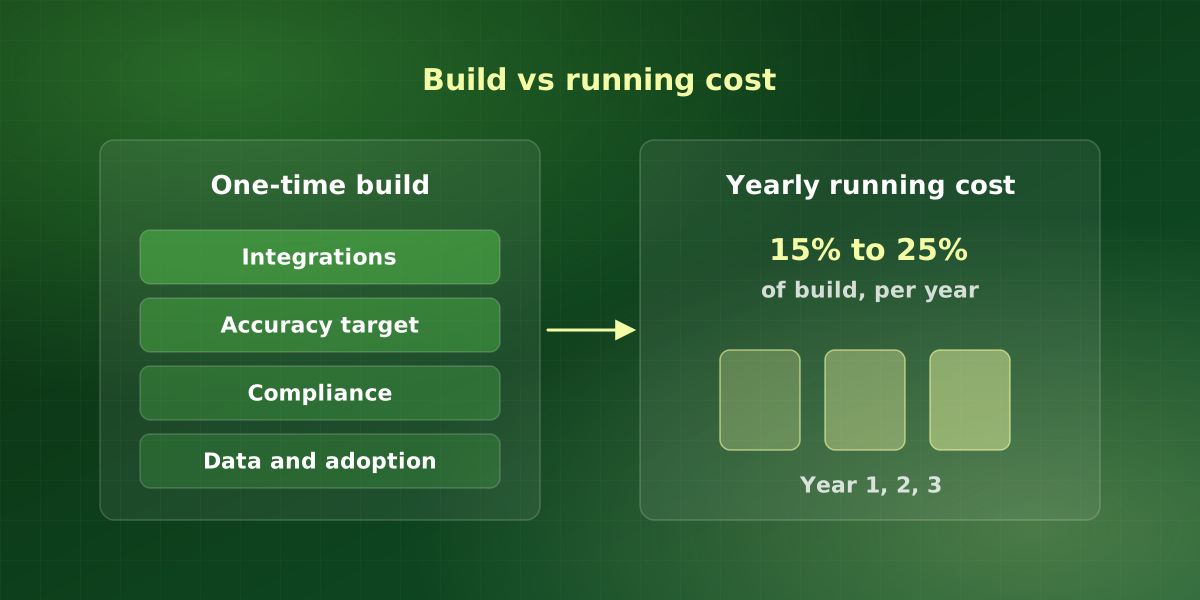
Running costs are a separate part of AI automation cost, and teams frequently forget them at the proposal stage. So budget 15% to 25% of the build cost annually for model usage, hosting, monitoring and the changes your business will inevitably need.
The five things that actually move the price
When AI automation cost comes in higher than expected, it is nearly always one of these, not the model or the algorithm.
- Integration count. Each system the automation must read from or write to adds cost, and legacy systems without a usable API add the most. Also, a workflow spanning four tools is not twice the work of one spanning two.
- Accuracy requirement. Getting to 85% accuracy is quick. However, getting to 99% can double the project, because the last few percent is edge cases, and edge cases are individually rare and collectively constant.
- Compliance surface. HIPAA, SOC 2 and financial audit requirements add design work, documentation and review cycles. This is real work rather than padding, and a vendor who does not price it has not thought about it.
- Data condition. If the information the system needs is spread across inboxes, spreadsheets and one person’s memory, somebody has to consolidate it first.
- Change management. The cost of getting people to actually use the thing. Teams underestimate it on almost every project that later gets described as a failure.
A worked example of AI automation cost for one workflow
Here is a hypothetical budget to show how the numbers fit together. Say you want to automate invoice intake: the system reads supplier emails, extracts the totals and drafts entries in your accounting tool for a person to approve.
First, place it in the table. It touches two systems and needs a decent accuracy target, so it sits between a single workflow and document processing. For this example, then, assume a $20k build. Next, add the running line. At 15% to 25% a year, that is $3k to $5k annually for model usage, hosting, monitoring and changes.
So the first-year AI automation cost in this example is $23k to $25k, and each later year is $3k to $5k. Finally, set that against the hours the team stops spending on invoice entry. If the saving clears the first-year figure within a few months, the project is worth scoping in detail. Otherwise, a smaller fix is probably the better buy.
What the yearly running line actually covers
The annual figure is not one bill. In practice, it splits into four parts, and a good proposal names each one.
- Model usage. Most providers charge by volume, so usage rises with the number of cases. You can check current rates on the OpenAI pricing page and the Claude pricing page, but your real bill depends on how much text each case sends.
- Hosting. Servers, storage and any vector database the system uses.
- Monitoring. Logs, alerts and a regular review of the cases the system escalated.
- Change. New fields, new suppliers, a new version of a connected tool. Your business keeps moving, so the automation has to move with it.
Because usage scales with volume, rerun your AI automation cost estimate whenever volume changes sharply. As a result, the running line will not surprise you at renewal time.
How to read a proposal
Four questions that separate a scoped project from an optimistic one.
-
Does it name the payback period?
A vendor who has understood your workflow can estimate when it pays for itself. One who cannot is quoting on effort, not outcome, and the risk of overrun sits entirely with you.
-
Is the running cost itemized?
In particular, model usage, hosting, monitoring and support should appear as separate annual lines. A build price with no run price is half a quote.
-
What happens at the accuracy ceiling?
So ask what the system does with the cases it cannot handle. “It escalates to a human with the reason attached” is a designed system. “It should handle everything” is a sales answer.
-
Who owns the result?
Code, prompts, fine-tuned models and data. Get this in writing before the project starts. Retro-fitting ownership after a project ends is expensive and occasionally impossible.
How to lower AI automation cost without cutting corners
Some savings are real, while others just move the cost into next year. Overall, these are the ones we recommend.
- Start with one workflow. A single, well-scoped workflow costs less and teaches you more than a broad program.
- Use the systems you already own. Fewer new tools means fewer integrations, and integration count is the biggest price driver.
- Set the accuracy target honestly. If a person reviews every output anyway, you may not need to pay for the last few percent.
- Tidy the data first. Consolidating documents before the build is cheaper than paying engineers to work around the mess.
- Pay for discovery. A short fixed-price phase, such as an AI strategy engagement, tells you whether the full build is worth doing.
Frequently asked questions
Is it cheaper to use an off-the-shelf AI tool?
What ongoing costs should we budget for?
Do you charge hourly or fixed price?
How do we avoid paying for something we cannot use?
Does the AI model choice change the price much?
For implementation support, explore our AI consulting services or discuss your workflow in a free consultation.